Scattered conversations
Comments, group chats and servers each hold a piece of your audience. Nobody sees the whole picture.
Launch your own microcommunity in minutes. An AI assistant that knows your content, a space shaped to every member, and all of it under your name.
Live with 1,240 creators and 86,400 members
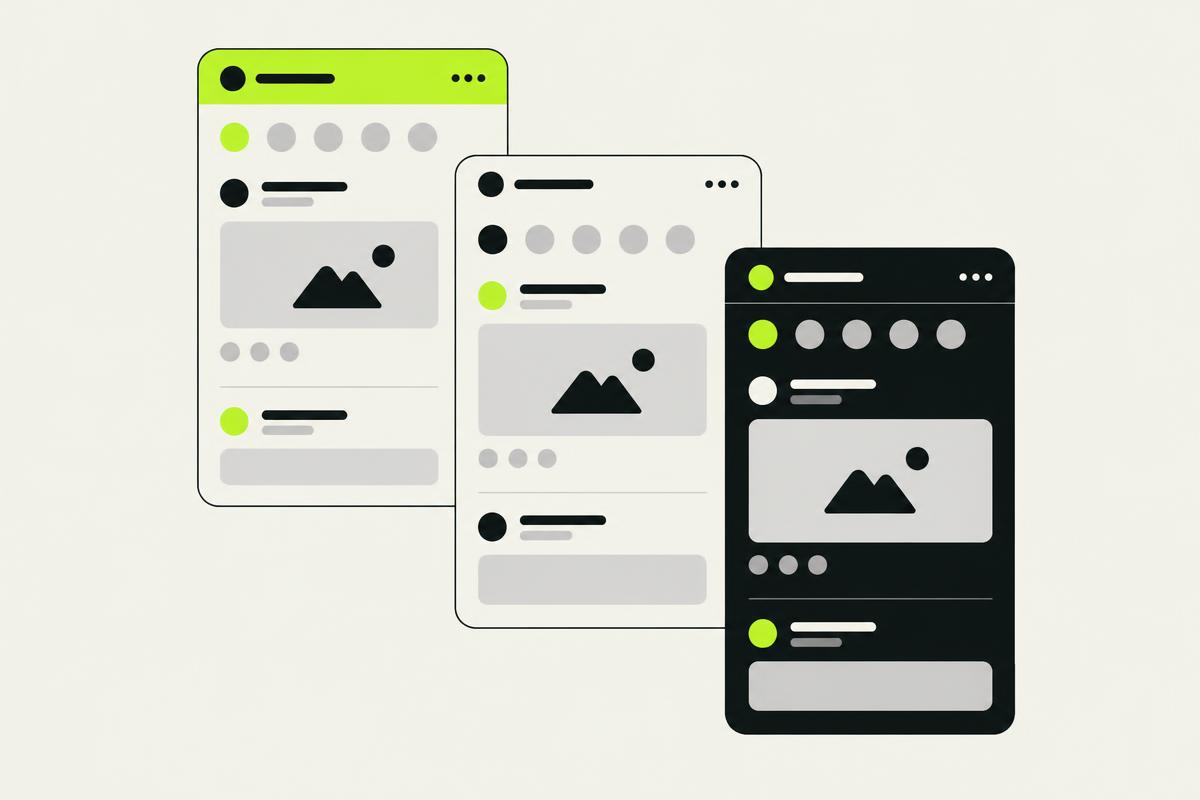
3 threads you care about moved since your last visit. Here is the short version.
Which video covers the setup from last week?
It is in the episode on studio setup, from the 4 minute mark. I have linked the exact moment below.
Comments, group chats and servers each hold a piece of your audience. Nobody sees the whole picture.
You answered it in a video months ago. Members still cannot find it, and you cannot reply to everyone.
A new viewer and a three-year fan get the same feed. Most platforms give you a template, not a home.
Link your YouTube channel. We read your videos and posts so the community starts with your knowledge in it.
Get suggested spaces, welcome posts and discussion prompts. Change the look, the structure and the tone until it feels like you.
Share one link in your next video. Members land in a community that already knows what they came for.
Members ask, and get answers grounded in your videos and posts, at any hour, with a link to the source.
Catch-up summaries, recommended threads and onboarding shaped by what each person cares about.
Spam and abuse are flagged before you see them. Each week you get a digest of what your community is talking about.
Your branding, your structure, your rules. Add spaces, courses and events as your community grows.
| Feature | Community AI | Typical community platform |
|---|---|---|
| Setup | Built from your channel | Start from an empty template |
| Member questions | Answered from your content | Wait for you or a moderator |
| Member experience | Personal to each member | Same feed for everyone |
| Customisation | Deep, down to tone and structure | Logo and colours |
Counts from the Community AI dashboard, refreshed on the first of each month.
I stopped answering the same setup questions three times a week. The assistant does it in the thread, with the chapter link, before I even wake up.
We moved 4,000 members over from a group chat in a weekend. Two weeks later the weekly digest showed more conversation than the chat had in a month.
Creator plan
₹1,499 / month
Up to 2,000 members, unlimited spaces, 10,000 assistant answers each month, moderation and the weekly digest included.
Start your community